
Microsoft is retiring Exchange Web Services (EWS) in Exchange Online. EWS is the protocol Veeam currently uses to back up Exchange Online mailboxes.
Microsoft begins disabling EWS tenant by tenant on October 1, 2026. Tenants that have not explicitly enabled EWS will be blocked automatically as the rollout proceeds.
EWS is fully and permanently shut down for all tenant on April 1, 2027.
If you take no action before October 1, your Exchange Online mailbox backups will fail.
The detailed information is below:
Run below steps to connect to Exchange Online PowerShell and keep EWS enabled in your tenant.
1.Login to VBM365 server or any machine.
2.Run below command to load the Exchange Online PowerShell module.
Set-ExecutionPolicy RemoteSigned
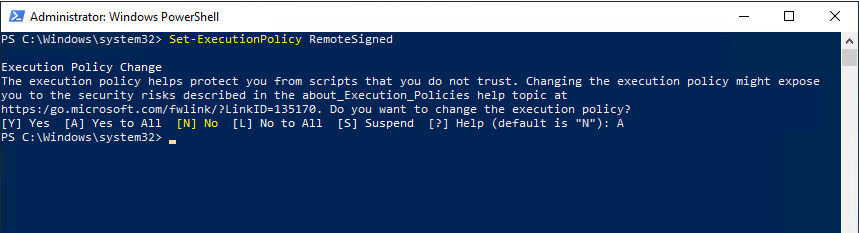
Install-Module -Name ExchangeOnlineManagement
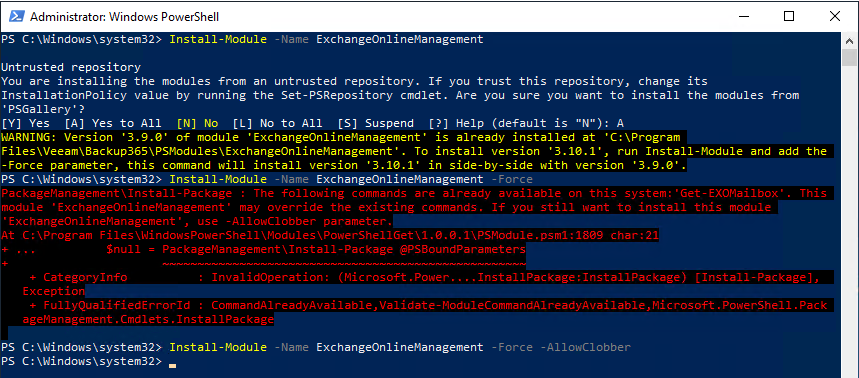
Import-Module ExchangeOnlineManagement

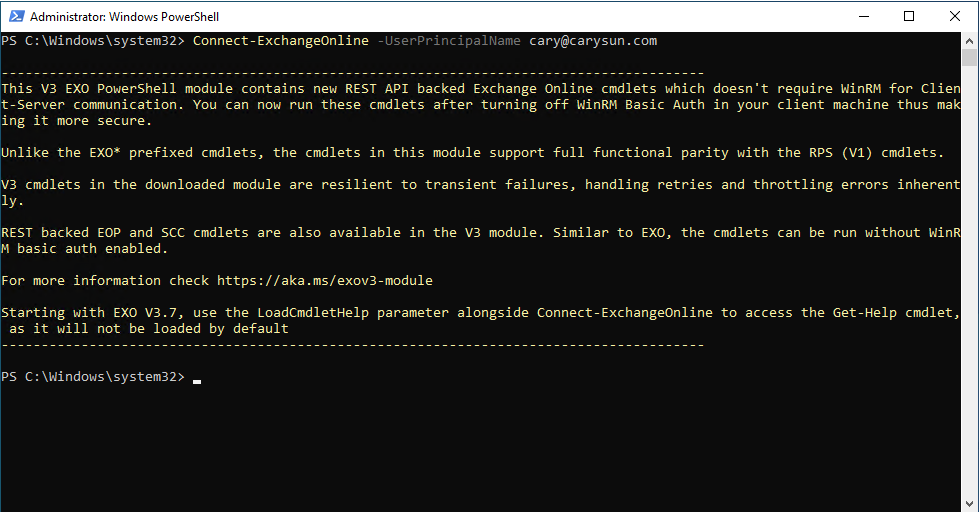
3.Run below command to connect to Exchange Online PowerShell.
Connect-ExchangeOnline -UserPrincipalName cary@carysun.com
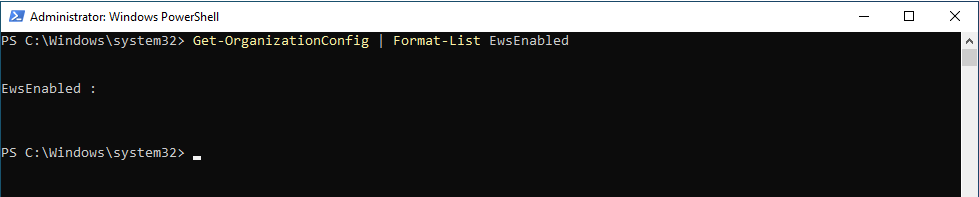
4.Run below command against the Exchange Online tenant to check the current value of EwsssEnabled first.
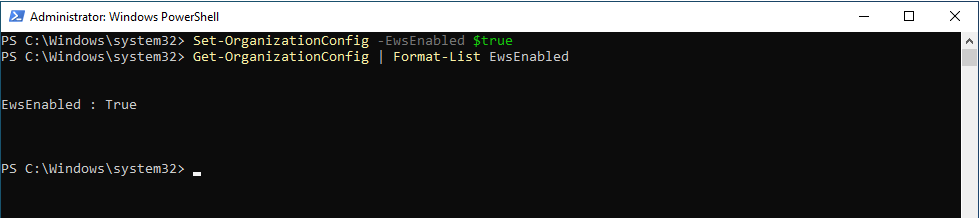
Get-OrganizationConfig | Format-List EwsEnabled
5.If the current value is anything other than $true, run below command to set the value to $true.
Set-OrganizationConfig -EwsEnabled $true
Run below steps to review the Veeam Application ID and ensure the IDs are on the allow list. Veeam app registrations must be included so that backups can continue using EWS during the period before the Microsoft Graph transition is complete.
1.Login to Veeam Backup for Microsoft management server.
2.Open Veeam Backup for Microsoft 365 connect console.
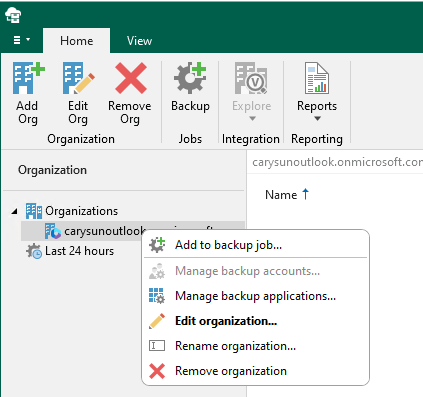
3.Open the Organizations view, right-click the Microsoft 365 organization, and select Edit Organization.
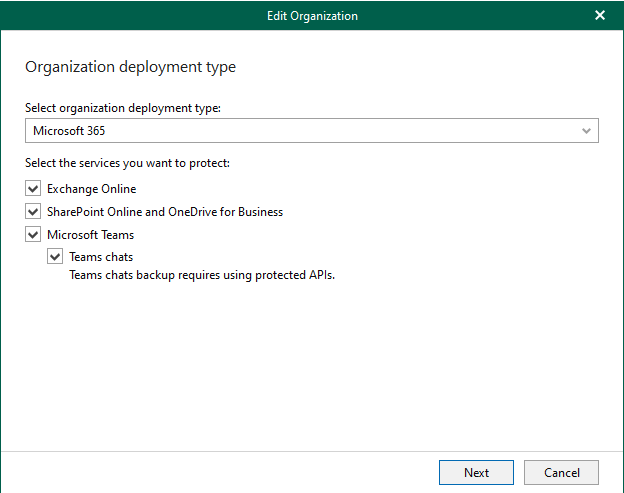
4.Click Next on the Organization deployment type page.
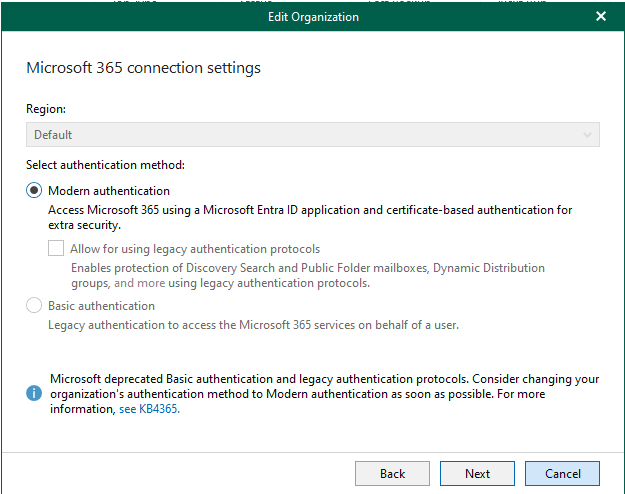
5.Click Next on the Microsoft 365 connection settings page.
6.Click Next on the Select how to connect the Microsoft 365 organization page.
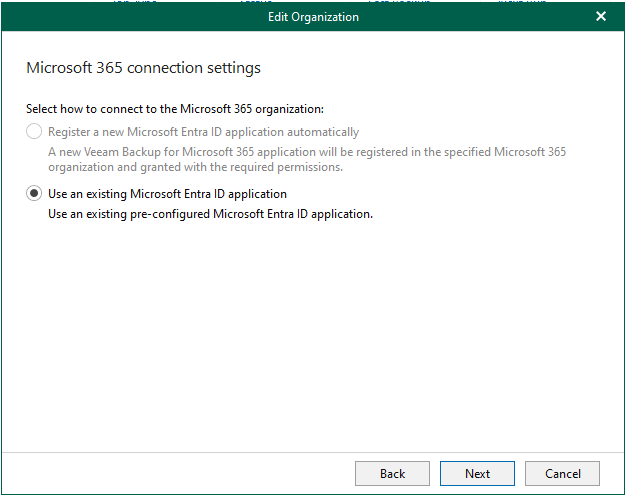
7.The Application ID is listed in the application settings. Take a note for the Application ID and click Cancel.
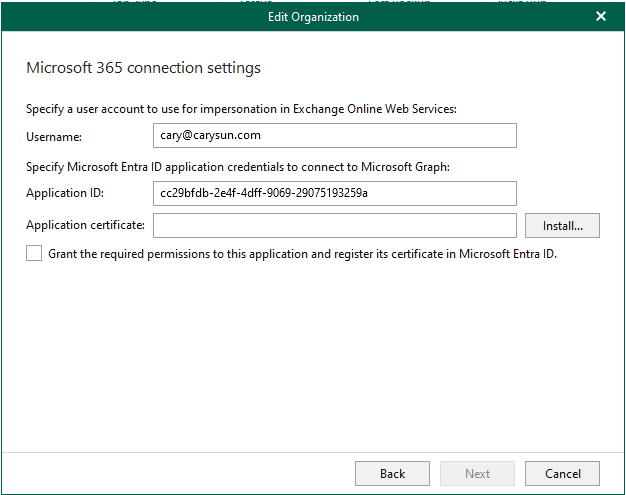
8.Run below command against the Exchange Online tenant to check the current value of EwsAllowAppIDs
Get-OrganizationConfig -RetrieveEwsOperationAccessPolicy | Format-List EwsEnabled, EwsAllowedAppIDs
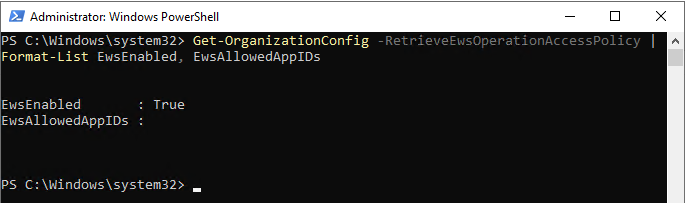
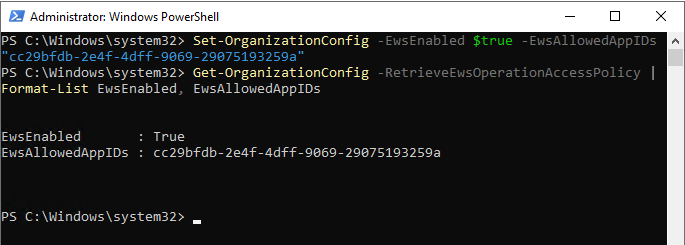
9.If the current value doesn’t include Veeam Application IDs, run below command to add it.
Set-OrganizationConfig -EwsEnabled $true -EwsAllowedAppIDs "cc29bfdb-2e4f-4dff-9069-29075193259a"
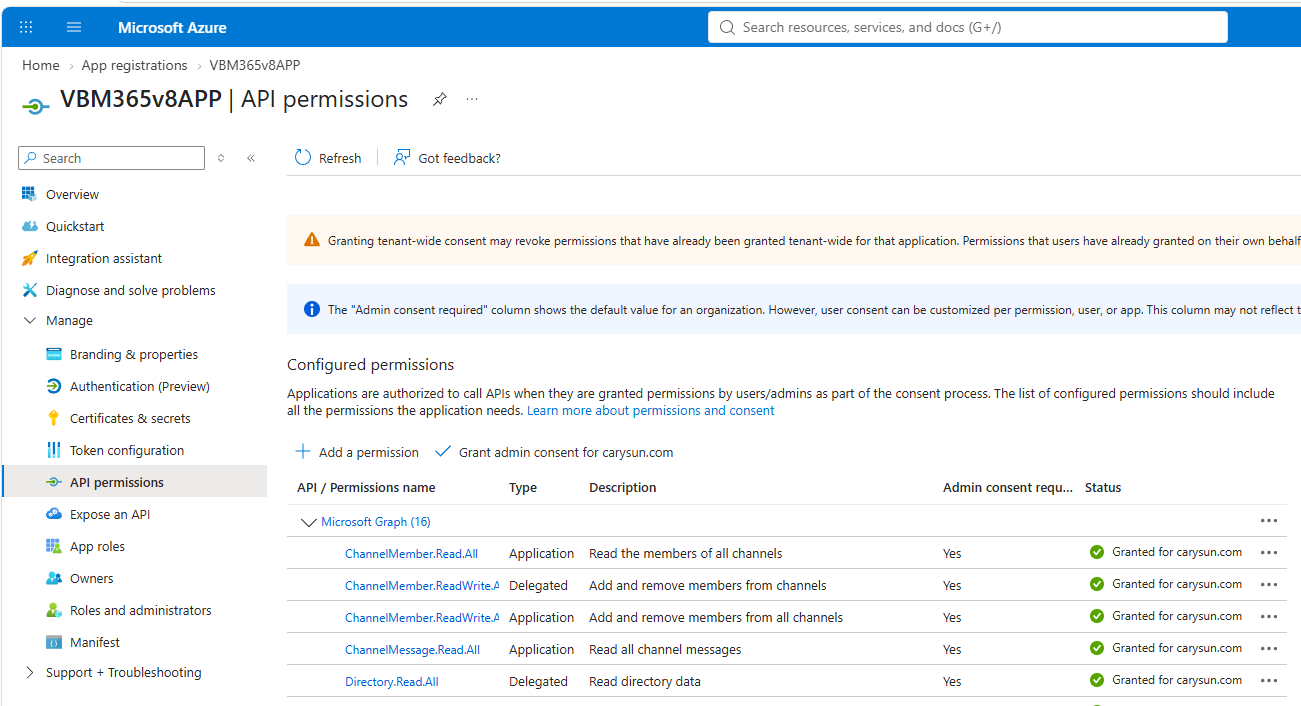
10.Login to Microsoft Azure portal, review and ensure the required Microsoft Graph permissions are assigned to your Veeam app registrations in Microsoft Entra ID.
The detail required permissions for backup is below link.
https://helpcenter.veeam.com/docs/vbo365/guide/ad_app_permissions_sd.html#permissions-for-backup
The detail required permissions for restore is below link.
https://helpcenter.veeam.com/docs/vbo365/guide/ad_app_permissions_sd.html#permissions-for-restore
I hope you enjoy this post.
Cary Sun
X: @SifuSun
Web Site: carysun.com
Blog Site: checkyourlogs.net
Blog Site: gooddealmart.com
Amazon Author: Amazon.com/author/carysun
About Post Author