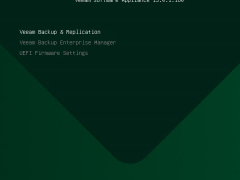
In order to install the Veeam Software Appliance (VSA) on Hyper-V 2025, you must first build a special Windows Server 2025 Hyper-V virtual machine (VM) that satisfies hardware requirements. Then, you must boot the VM from the VSA ISO.
A new pre-hardened Linux-based deployment option for Veeam Data Platform, the Veeam Software Appliance is easier, safer, and quicker to set up than conventional installations and supports a high-availability cluster.
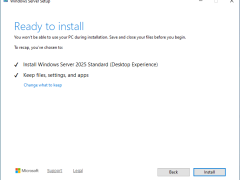
Make sure you are running Veeam Backup & Replication version 12.3.1 or later to perform an in-place upgrade to Windows Server 2025, since version 13.0.1 enables in-place upgrades from this version. First, create a full backup of your existing Veeam configuration database and install the updated Veeam Backup & Replication 13.0.1.180 ISO, which is now available for Windows Server 2025.
To execute an in-place upgrade of Veeam Backup Enterprise Manager on a server being upgraded to Windows Server 2025, Veeam Backup Enterprise Manager must first be upgraded to a compatible version.
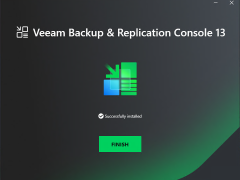
The Veeam Backup & Replication console is installed on the backup server automatically when you install Veeam Backup & Replication v13. You can utilize the web user interface (UI) or install the Veeam Backup & Replication console on a dedicated computer to access Veeam Backup & Replication remotely.
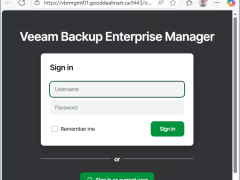
Veeam Backup Enterprise Manager v13 is a centralized management and reporting tool designed by Veeam Software for overseeing Veeam Backup & Replication deployments. It allows administrators to control and monitor their backup infrastructure through a web-based interface, making it easier to manage large-scale environments.