
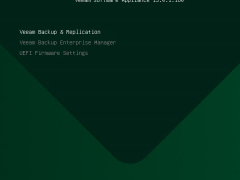
How to Install Veeam Software Appliance 13.0.1 at Hyper-V 2025
In order to install the Veeam Software Appliance (VSA) on Hyper-V 2025, you must first build a special Windows Server 2025 Hyper-V virtual machine (VM) that satisfies hardware requirements. Then, you must boot the VM from the VSA ISO.
A new pre-hardened Linux-based deployment option for Veeam Data Platform, the Veeam Software Appliance is easier, safer, and quicker to set up than conventional installations and supports a high-availability cluster.