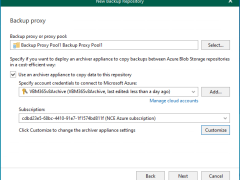
Veeam Backup for Microsoft 365 uses the Veeam Azure archiver appliance, a small virtual machine deployed in Azure, to efficiently move backed-up M365 data (Exchange, SharePoint, Teams, OneDrive) into Azure Archive Storage (cold tier) for long-term, low-cost retention, minimizing data egress and speeding up copy jobs by processing data locally within Azure.
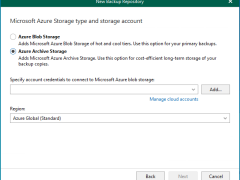
In Veeam Backup for Microsoft 365 version 8.2, adding a Microsoft Azure Archive Storage repository involves a multi-step wizard within the Backup Infrastructure view. This repository type is specifically designed for long-term retention and supports Backup Copy jobs.
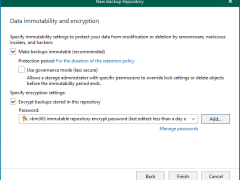
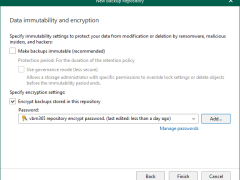
Integrating Microsoft Azure Blob Storage repositories with immutability requires configuring both the Azure storage account and Veeam Backup for Microsoft 365 to leverage Azure’s immutable storage capabilities.
Veeam Backup for Microsoft 365 consists of Backup proxy servers, Backup Proxy Pools, Backup Local repositories, and Object storage repositories. These are configured as locations for Microsoft 365 backup data. These can be configured on-premises, in the cloud, or in a hybrid configuration.
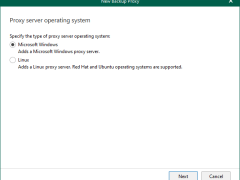
Windows Backup proxy servers are auxiliary servers that you can configure to improve performance, scalability, and flexibility.
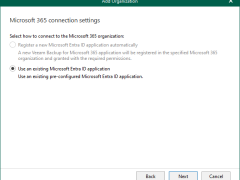
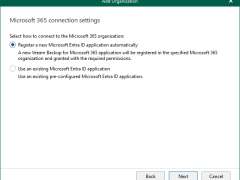
When you add an organization using the modern app-only authentication method, Veeam Backup for Microsoft 365 automatically grants permissions for Microsoft Entra applications.
Anyway, if you prefer to use a custom application of your own, grant all the permissions as below.
Registering a new Microsoft Entra ID application automatically is unavailable if you want to back up team chats and have selected Team chats at the Organization Deployment Type step.
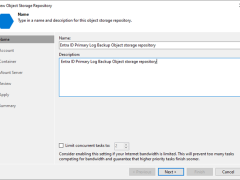
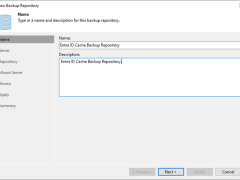
A log backup repository is a storage area where Veeam Backup for Microsoft Entra ID keeps backups of audit and sign-in logs from protected Microsoft Entra ID tenants.
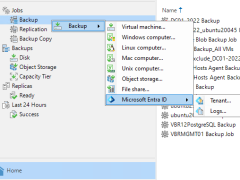
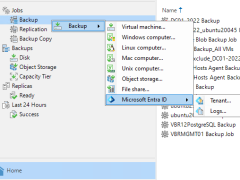
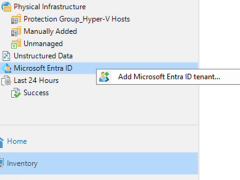
Beginning with version 12.3, the Veeam Backup & Replication solution allows you to add Microsoft Entra ID tenants to the backup infrastructure and manage data protection and recovery operations for these tenants from a single console.
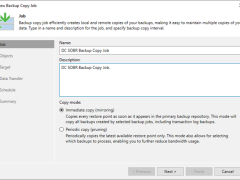
This section describes creating a backup copy job that off-loads to the Azure blob after performing a full backup. It will not use the Azure Blob archive tier.
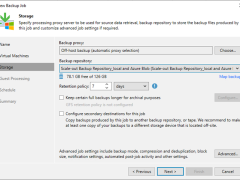
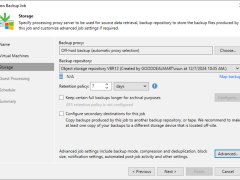
This section describes creating a backup job that backs up at local repositories to sync backup files with Azure cloud and off-loads Azure blob after performing a full backup. It would be best to have a scale-out repository ready before beginning this backup job.
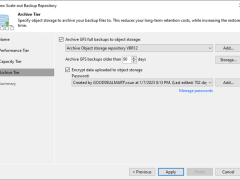
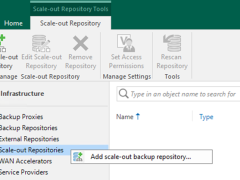
This section describes how to add Azure Blob Object Storage Repositories as the performance tier (hot tier), a capacity tier (cool tier) and an archive (cold tier) tier of the scale-out repository.
Veeam released a version of Veeam Backup for Microsoft 365 v8.1 on January 23, 2025, and it has some enhancements, including support for Ubuntu 24.04 and RedHat 9.4 as backup proxy operating systems, multiple stability, performance, and scalability improvements delivered to ensure product reliability. It also resolved some issues.
Cary SunComments Off on How to Add Microsoft Azure Archive Blob Storages as Immutability Archive Object Repositories
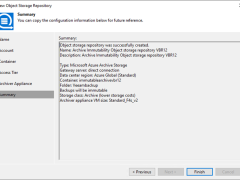
This section explains adding Microsoft Azure Archive Storage as an immutability archive backup repository to the backup infrastructure. This repository can only be used as an archive extension of the scaled-out backup repository.