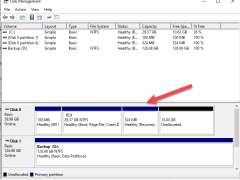
When you try to extend the C drive from the Disk Manager tool but the Extend volume greys out, that’s because the recovery partition prevents the C drive from extending the volume.
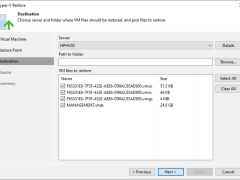
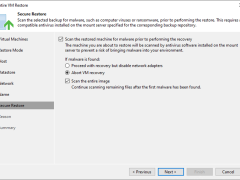
You can restore VM files (XML, VMCX, VMRS, VMGS, VHD, VHDX) if they become corrupted. This option is an excellent alternative to restoring the entire VM. You can only restore a single VM file.
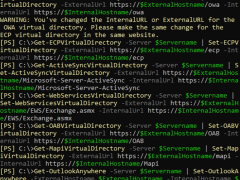
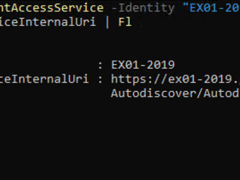
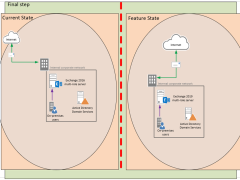
Configuring the client access namespaces ensures clients can connect to Exchange Server 2019 using the correct URLs for each service. They help to ensure a smooth user experience and avoid issues such as certificate errors and connection failures.
Existing jobs do not need to be updated that process the original/recovered VMs if you restore them to the same host and choose to preserve VM UUIDs. If you configure restore differently and want to process the recovered VMs, you must edit existing jobs or create new ones.
The Autodiscover service connection point (SCP) provides information to domain-joined Outlook clients on connecting to the Autodiscover service for automatic client configuration.
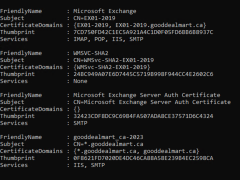
We can reuse the existing SSL certificate for the new Exchange 2019 server. 1. Login to the Exchange 2016 Server. 2. Open Exchange Management Shell as an administrator. 3. Run… Read more »
The Exchange Server 2019 Mailbox role server manages mailbox databases, which store user mailboxes and public folders. It also manages message transport and performs functions like filtering, antivirus and antispam protection, and content indexing.
Preparing Active Directory for Exchange Server 2019 involves several important steps to ensure your organization’s environment is ready to support Exchange Server.
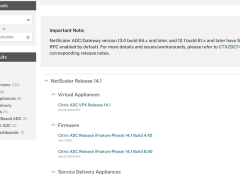
Citrix released the new NetScaler 14.1 build version on September 26, 2023.
I will show you how to upgrade the existing Citrix NetScaler to Citrix NetScaler 14.1.
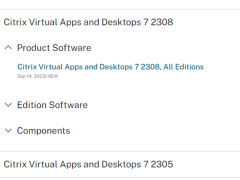
Citrix released Virtual Apps 7 2308 on September 14, 2023.
I will show you how to upgrade the existing Citrix Virtual Apps servers to Citrix Virtual Apps 7 2308.
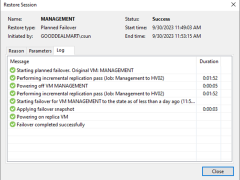
Planned failover is the smooth manual switching from a primary VM to its replica with minor downtime. Planned failover is proper when you know primary VMs are planning to go offline, and you need to switch the workload from the original VMs to their replicas as soon as possible. For example, you can use planned failover to perform data center migration, maintenance, or software upgrades on primary VMs. You can also perform planned failover if you see signs of an impending disaster.
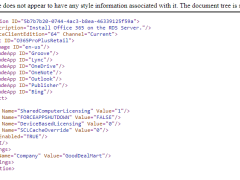
Microsoft 365 Apps are installed on a machine set up as a Remote Desktop Session Host server. This allows several users to connect to this computer remotely. Users can operate Office programs like Word or Excel at the same time. The overall procedure for the Project and Visio desktop programs is the same.
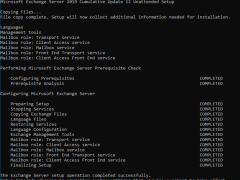
The Mailbox server in Exchange 2019 includes all the server components from the Mailbox and Client Access roles. Before installing the Exchange 2019 mailbox Server Role on a Windows Server, you must ensure that prerequisites are installed.
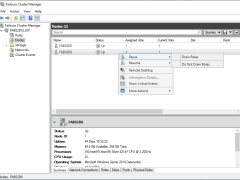
Microsoft released Windows patches on the second Tuesday of every month. This procedure installs Microsoft Windows server patches for the production cluster servers without an outage.
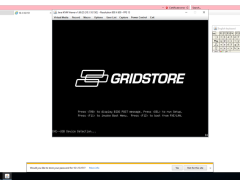
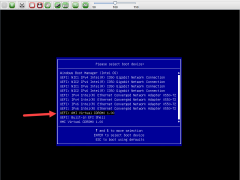
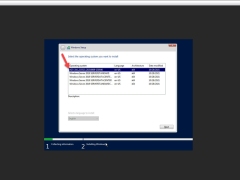
There are many ways to rebuild the Hyper-V host, but I will show you how to rebuild a Microsoft Hyper-V host via Virtual Media. These screens captured were for Windows Server 2019, but not for Windows Server 2019 only. You can use Windows Server 2022 ISO image file too.
There are many ways to rebuild the Hyper-V host, but I will show you how to rebuild a Microsoft Hyper-V host via Virtual Media Wizard. This process is also can use for other vendors’ machines, not for the dataOn host only.
There are many ways to rebuild the Hyper-V host, but I will show you how to rebuild a Microsoft Hyper-V host via PXE. This process is also can use for other vendors, not for the DataOn host only. It would be best to ask the host hardware vendor to send you the custom WIM image file before rebuilding it.
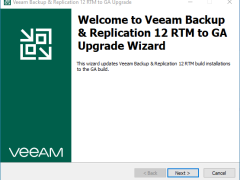
On February 17, 2023, Veeam Backup & Replication v12 Day 0 is being released. This update is intended for existing Veeam Backup & Replication 12 RTM (build 12.0.0.1402) installations and will upgrade them to Veeam Backup & Replication V12 GA (build 12.0.0.0.1420). This update can be skipped if Veeam Backup & Replication 12 GA (build 12.0.0.1420) is already installed.
This procedure upgrades a Windows Server 2012 R2 generation Hyper-V virtual machine to Windows Server 2019 (2022) generation 2 Hyper-V virtual machine.